· · Matthew Ford · 4 min read
AI workflow automation: when to use an agent, rules or an integration
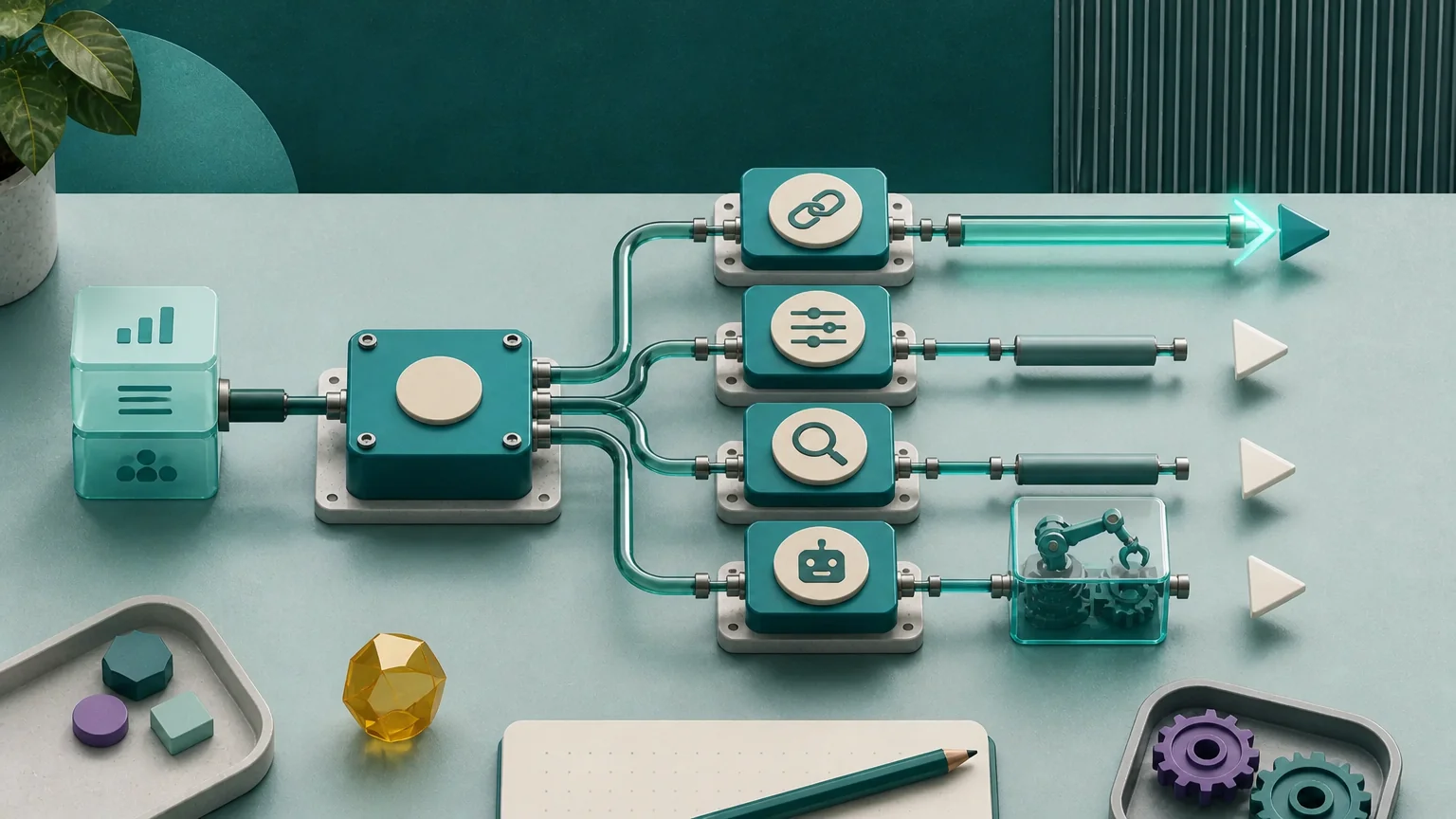
A lot of automation projects go wrong before anyone mentions AI. The process is fuzzy, the systems do not talk or the data is a mess. Adding a model on top gives you a faster way to make the same mess.
The better starting point is boring but useful: what happens in the work today, and which part actually needs automation?
Start with an integration if the problem is copying data
If staff are moving structured information from one system to another, an AI model may be unnecessary. An integration can validate the data, map the fields and flag failures.
Use an integration when the destination is known, the transformation is predictable and no judgement is needed between systems. It is often the cheapest reliable fix.
Use rules when the decision is already clear
Some workflows look like AI problems because they involve lots of decisions. On inspection, the decisions are just stable business rules waiting to be written down.
Our Concordia work is a good example. We used browser automation to transfer visa sponsorship applications into a legacy Home Office system and synchronise the issued numbers back. That was conventional automation. The value came from doing a repetitive workflow reliably, not from adding AI to it.
Rules work well when the conditions are explicit and the cost of a wrong automated action is manageable.
Use AI when the work involves interpretation
AI earns its place when the input is messy or the decision is hard to express as a rule. Reading a long document, extracting relevant clauses, classifying a nuanced enquiry or drafting a response from approved material can all fit.
Keep the AI step narrow. Give it a defined input and output, and decide who reviews the result. If personal data is involved, the ICO's AI guidance and risk resources should inform that design.[2]
Use an agent when the task spans steps and systems
An agent becomes useful when the workflow involves a sequence: retrieve information, decide the next step, call a tool, check the result and continue. A document-review agent or support triage agent might fit that shape.
The permissions matter more than the label. Write down what the agent may read, what it may change, when it must stop and who investigates failures.
Our internal Watchkeeper project reviews server-security evidence and flags changes for people to investigate. It does not approve server changes itself. That is a useful boundary, not a limitation to apologise for.
Governance can start on one page
You do not need a large programme to govern one workflow. Record the owner, the current baseline, the information used, the failure modes, the review point and the person who will own the result after launch.
NIST's AI Risk Management Framework is a voluntary reference for considering trustworthiness in AI design, use and evaluation.[1] For a first workflow, a one-page record of the above is a practical place to begin.
A decision sequence that avoids unnecessary AI
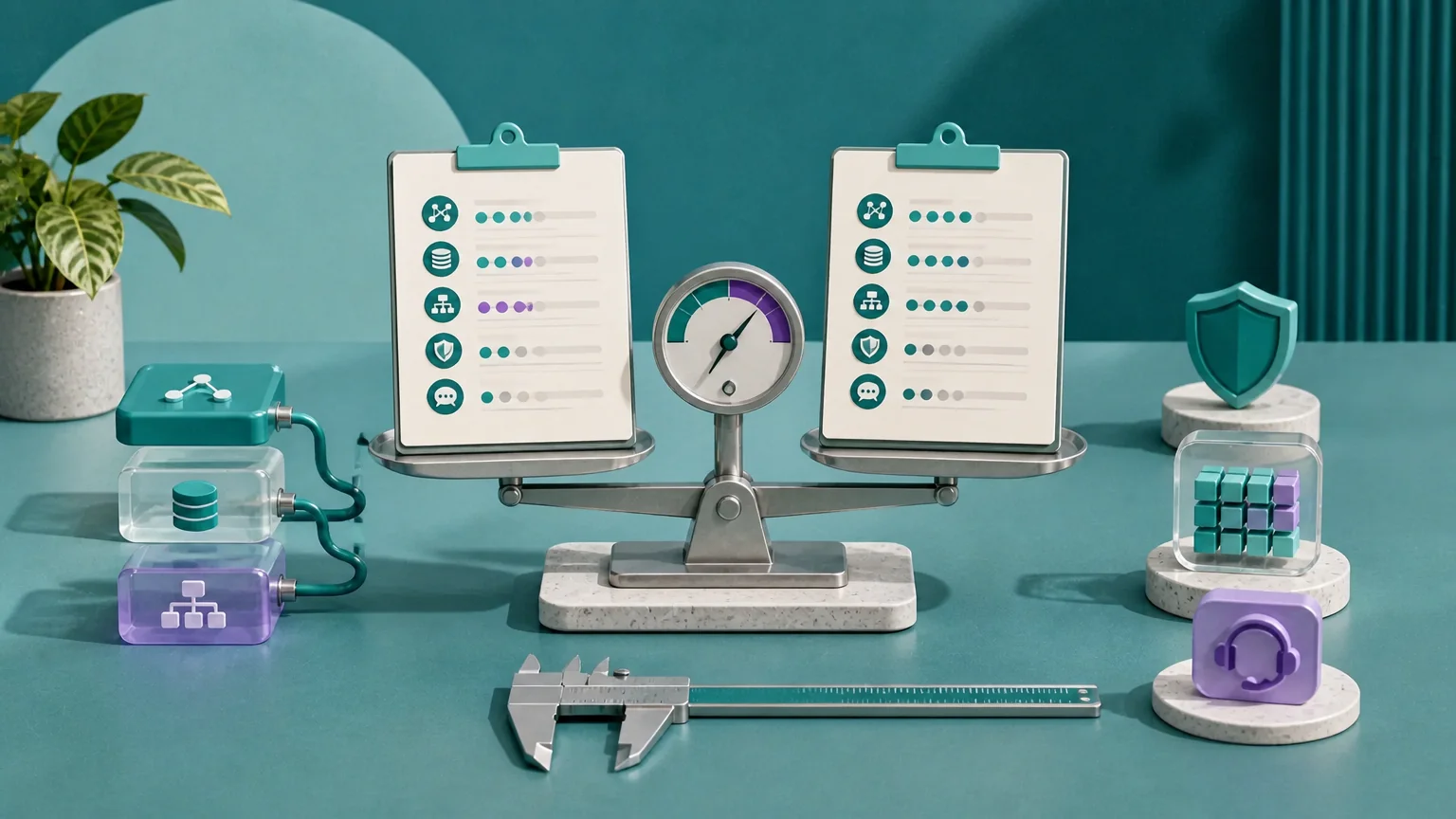
- Map the work. Include exceptions, waiting time and rework.
- Measure it. Establish handling time, delay, corrections and volume before estimating a saving.
- Name the difficult part. Is it moving data, applying a rule or interpreting information?
- Check the data. Confirm ownership, quality, permissions and retention.
- Define a bad outcome. Decide what would be unacceptable and how you would detect it.
- Choose the simplest safe method. Integration, rule, AI step or agent.
- Set the evaluation. Agree representative examples and the threshold for proceeding or stopping.
Sometimes the answer is to leave the process alone or clean it up first. If the information is not usable, the process owner cannot explain the desired outcome, or review would cost more than the expected saving, automation is not the next step.
If you have one workflow in mind, our AI consulting and automation service can help you work through that choice. The AI readiness assessment guide is a good place to prepare for the conversation.
Sources
Discuss your software, technical leadership or AI plans
Tell us what you need to build, improve or decide.
We can help with software development and ongoing support, fractional CTO leadership, and practical AI adoption. Speak to our senior team about your priorities, our approach and availability.
Choose 15 or 30 minutes. Booking requests require confirmation by email.